Deploy WordPress from GitHub: version control for a CMS
WordPress has two content models, code and content, and Git deploys respect the split. The repository carries the theme, plugins and build config; the database keeps the posts; a deploy only ever moves the first. How git push deploys work on managed panels, what belongs in the repo, and what never does.
By Sam Moreton
First-hand + researched
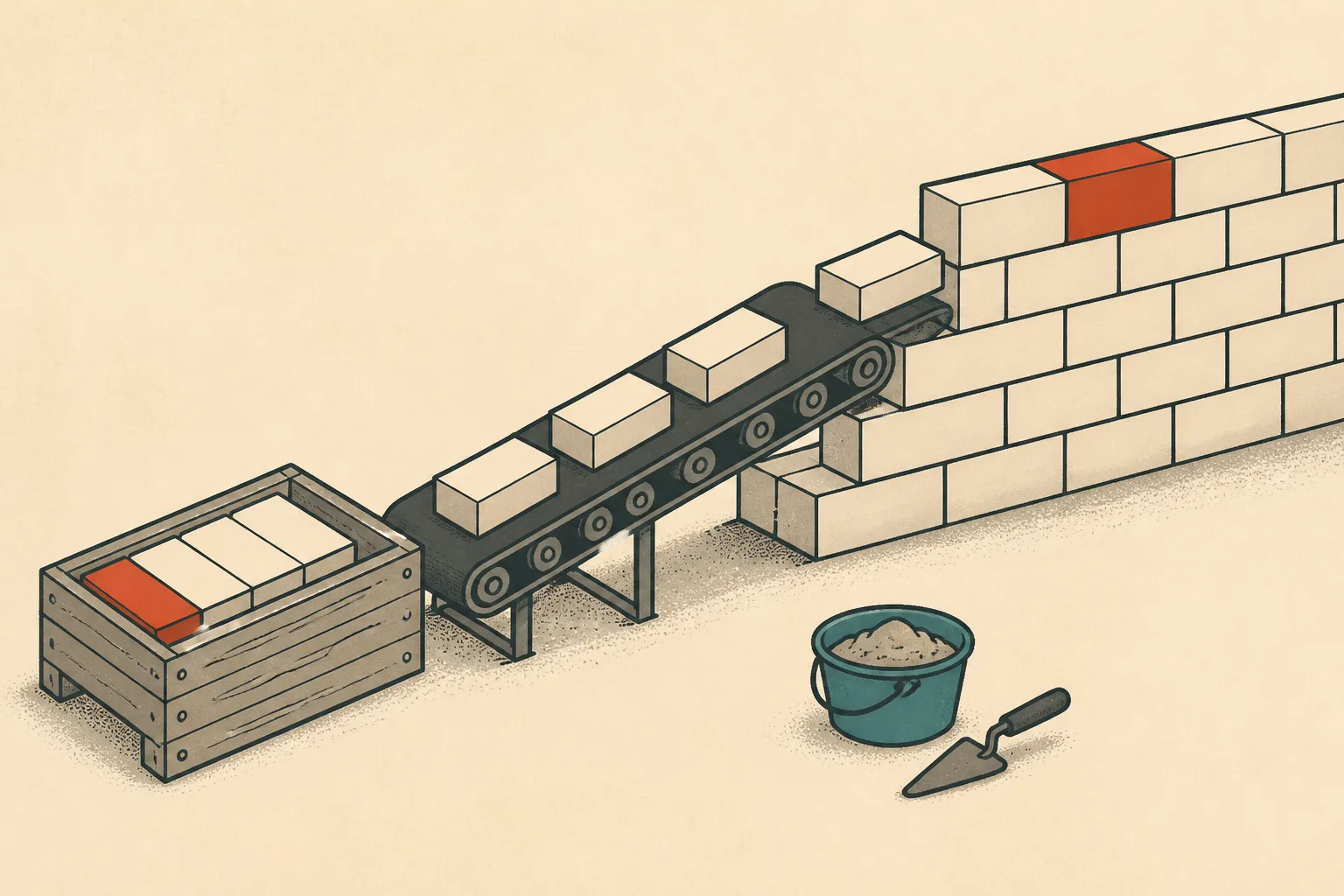
WordPress deploys from GitHub cleanly once you accept its split personality: code lives in a repository, content lives in the database. The repository holds the theme, the custom plugins, the composer files and the build configuration; posts, pages, users and settings stay in MySQL where WordPress put them. A git deploy moves the first and never touches the second. That division is the whole design, and it works: editors keep editing in the admin, developers get history, diffs and rollbacks, and a broken theme change reverts in seconds without a restore from backup.
Why version control for a CMS is underrated
Most WordPress workflows treat the live server as the source of truth, which means the only copy of the code is the public one, edited over SFTP, with no history beyond whatever the backups happen to hold. That was survivable when themes were three files. Modern themes and plugins are software, with builds, dependencies and regressions, and software wants version control.
The underrated part is what it does to routine changes. Updating a plugin becomes a reviewed change with a diff, instead of a click of faith on the live site. A second developer joining the project reads the repository instead of reverse-engineering the server. Staging stops drifting from production, because both are deploys of the same commit. None of this takes anything away from the editors, who never see Git and never need to.
The two content models, honestly
Code is versioned; content is not. The theme and plugins are files with lines, which is what Git is for. Posts, user accounts, settings and widget configurations are rows in tables, which is what Git is very bad at. Deploys pull the repository and leave the database alone. Content moves between environments as a database export or through a staging push, and database backups run on their own schedule.
Teams do sometimes commit a database dump to version the content. It sort of works, at the price of merge conflicts no human can resolve and user data sitting in a repository. Treat the database as its own artifact: exported when needed, backed up automatically, restored by practice.
What goes in the repo, and what never does
In the repository: your theme and child theme, custom plugins and mu-plugins, a composer.json and lock for managing plugin dependencies, the package files behind the theme's asset build, and a short readme describing how the deploy works. Everything a developer changes belongs there.
Never in the repository: wp-config.php, the uploads folder, and
database dumps. wp-config.php holds per-environment credentials and
differs between staging and production, which is the opposite of what
version control wants; each environment keeps its own, or reads its
values from the environment. Uploads are content, they are large, and
they will bloat the repository past usability; they belong in backups
and, for durability, in object storage. Dumps carry real user data into
a system designed to be copied.
How git push deploys work on managed panels
The mechanics are similar across panels. You register the repository and branch, point it at the application's deployment path, and deploy on demand or on push through a webhook. The panel fetches, puts the files in place, and leaves the previous release available for rollback. Some panels run composer or asset builds as part of the deploy; some do a plain file pull. Knowing which kind you have is the difference between a deploy that ships compiled assets and one that ships the source and hopes.
Cloudways, the panel this site's production servers run on, has Git deploys as a core feature, and its one-click staging and cloning are the natural pairing: deploy the branch to staging, click through the site, then take the same commit live. The walkthrough for that exact flow, including the settings that trip people up, is the guide to deploying WordPress on Cloudways, and the Cloudways review covers what the platform is like to live on.
Moving an existing site into a repo
Most people arrive here with a site that already runs, so the first "deploy" is a rounding-up exercise. Audit what lives on the server: copy the theme, the custom plugins and anything else with hand edits into the repository, and note which plugins come from the official directory and can be re-fetched by composer at a pinned version. Commit, then deploy over the existing site and click around before celebrating. From that point the repository is the source of truth, and the next hand edit over SFTP is the thing that undoes it, because a later deploy will quietly overwrite whatever the edit changed.
For agencies the pattern repeats per client with the same shape, one repository per site, and a team that can move between them without learning a new structure each time.
When a plain pull is not enough
A panel deploy pulls the repository, and for many sites that is the whole pipeline. The next step up is a CI service such as GitHub Actions running on every push: install dependencies, build the theme's assets, run the tests if any exist, and only then trigger the deploy, over SSH or through the panel's flow. The point of the pipeline is that unbuildable or unreviewed code never reaches production. Keep it boring; a CI file a successor can read is worth more than an elaborate one.